Page 39
My TV Menu, cont.
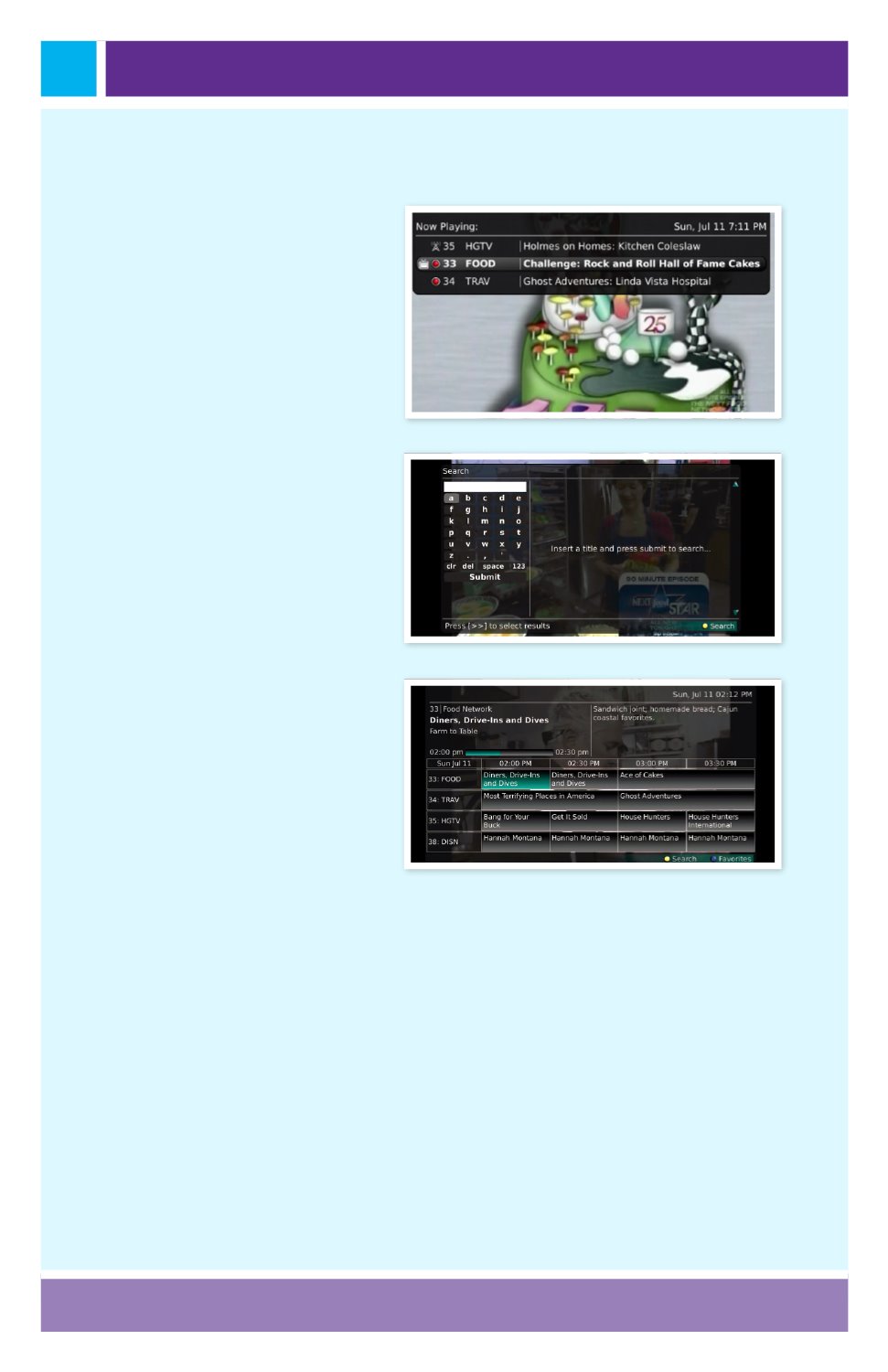
4. If you arrow to the right,
highlight Now Playing and
press OK, you can view
what is currently playing as
well as any programs being
recorded.
This is the same
as when you would press the
OK button on the remote
control.
5. If you arrow to the right,
highlight Search and press
OK, you can search for a
program.
This is the same
as when you would press
the Search button on the
remote control.
6. If you arrow to the right,
highlight Time Guide and
press OK, you can view the
time guide.
This is the same
as when you would press
the Guide button on the
remote control.


